



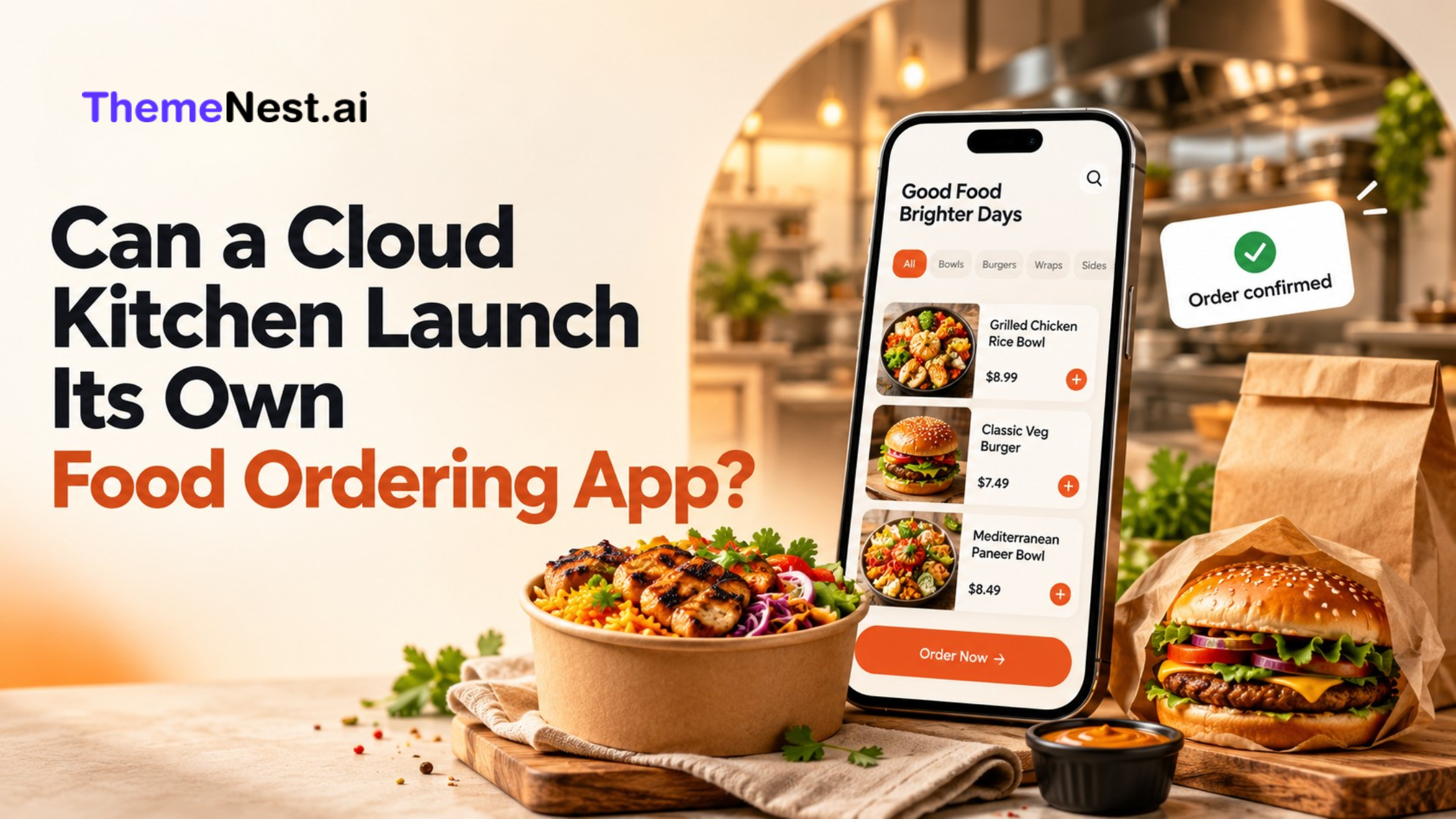
Yes, a cloud kitchen can launch its own food ordering app to accept direct orders, process payments, manage preparation, and coordinate delivery. It does not need a dine-in restaurant. It does need an ordering system, reliable kitchen operations, a delivery plan, and customers willing to order directly.
For kitchen owners, the real decision is when an app becomes useful. A branded platform can support repeat purchases and give you more control over the customer experience. However, its value depends on order volume, acquisition costs, and delivery performance.
This guide explains how a cloud kitchen ordering app works, which features matter, and how to launch without overlooking the practical costs.
What Is a Cloud Kitchen Ordering App?
A cloud kitchen ordering app is a branded digital storefront for a delivery-focused food business. Customers browse your menu, customize meals, choose an address, pay, and receive order updates.
A complete system connects the customer experience with kitchen and delivery operations. The kitchen receives an actionable order, while the delivery team gets the information needed for collection and handoff.
Unlike a marketplace listing, your own platform centers the experience on your brand. A single kitchen may need one menu and service area; a growing business may need branch-specific availability and separate brand menus.
Why Should a Cloud Kitchen Accept Direct Orders?
Build a consistent brand experience
Your ordering channel lets you control food photography, meal descriptions, combo suggestions, and support information. Customers can understand portion sizes and customization options before purchasing.
For example, a lunch-focused kitchen can organize its menu around individual meals, office bundles, and weekly specials rather than a long, unstructured list.
Understand repeat customer behavior
Direct orders help you identify popular dishes, purchasing frequency, and delivery preferences. Collect only the customer information you need and respect communication preferences.
Use these insights to improve menu planning. If customers repeatedly purchase the same weekday meal, convenient reordering may be more valuable than another discount campaign.
Evaluate margins with greater clarity
Direct ordering may avoid certain marketplace charges, but payment processing, software, delivery, support, and marketing still cost money.
Compare the contribution from a completed order across channels. A direct order is commercially useful when the amount remaining after relevant costs supports the business.
Should You Launch a Website or Mobile App First?
A mobile-friendly ordering website is a practical first step when direct demand is still unproven. Customers can open a link and order immediately. A dedicated app becomes more compelling when frequent customers have a reason to install and reuse it.
| Option | Best suited to | Main consideration |
| Ordering website | Testing local direct demand | Smooth mobile checkout |
| Progressive web app | Browser access with app-like functions | Capabilities vary across devices |
| Branded mobile app | Frequent orders and returning customers | Installation and ongoing updates |
| Website and app | Established demand across channels | Consistent menus and order records |
Choose around customer habits and kitchen capacity. More channels create value only when your team can manage them reliably.
Essential Features for a Cloud Kitchen Ordering App
1. Clear menus and controlled customization
Show accurate prices, portions, meal photographs, and available add-ons. Explain dietary and allergen information carefully. Keep customization practical for the kitchen: unlimited requests can create preparation errors and delays.
2. Delivery area checks before checkout
Confirm service availability early. Display opening hours, delivery fees, minimum order requirements, and realistic estimates. Customers should not complete a long checkout before learning that their address is outside your delivery zone.
3. Simple checkout and dependable payments
Keep required fields limited and offer payment methods relevant to your audience. Allow guest checkout where feasible. Test failed payments, duplicate submissions, and delayed confirmations so a payment cannot quietly disappear between checkout and kitchen acceptance.
4. Kitchen order management
Staff need to accept orders, update preparation times, mark dishes unavailable, and pause ordering during overload. A cloud kitchen online ordering system should help prevent overselling, especially when the same ingredients support multiple menus.
5. Order updates and accessible support
Use clear stages such as confirmed, preparing, dispatched, and delivered. Live tracking is useful when rider location data is reliable. Provide a visible support route for missing items, address changes, and delivery problems.
How Can You Handle Delivery for Direct Orders?
You can fulfill orders with your own riders, a third-party delivery provider, or a combination. Owning the ordering channel does not require owning a fleet.
For example, Uber Direct supports delivery for orders received through a business’s own app, website, or phone. Check local availability, integration options, and commercial terms before choosing a provider.
Agree who handles delayed collections, failed handoffs, refunds, and customer communication. Test your actual meals and packaging over realistic travel times.
For broader planning, read ThemeNest’s guide to starting a hyperlocal delivery business.
How Much Does a Cloud Kitchen Ordering App Cost?
The total cost depends on the software approach, required features, integrations, and ongoing operations. A product license or subscription is only one part of the budget.
Compare three approaches:
- Subscription software: Review monthly charges, transaction fees, branding limits, and data export options.
- Ready-made software: Confirm licensing, installation, customization, hosting, and support responsibilities.
- Custom development: Identify the workflows that justify additional design, engineering, testing, and maintenance.
Request a written scope covering payment setup, delivery connections, app publishing, updates, and post-launch support. Confirm ownership and access for your domain, store accounts, and customer records.
ThemeNest’s overview of ready-made business website solutions provides additional context when comparing platform approaches.
How Do You Check Whether Direct Ordering Is Profitable?
Estimate contribution per completed order before making a larger investment:
Contribution per order = order revenue minus food, packaging, payment fees, delivery subsidy, discounts, and other variable costs.
Consider this hypothetical example, not an industry benchmark:
| Item | Illustrative amount |
| Order revenue | ₹500 |
| Food and packaging | ₹200 |
| Payment processing | ₹10 |
| Delivery cost absorbed | ₹60 |
| Discount | ₹30 |
| Remaining contribution | ₹200 |
The remaining ₹200 must still support fixed expenses and customer acquisition. This simplified calculation excludes tax treatment.
If direct orders generate ₹40 more contribution than your alternative channel, ₹12,000 in additional monthly fixed costs requires 300 such orders to break even. Extra acquisition spending increases that requirement.
How to Launch a Cloud Kitchen Food Ordering App
Step 1: Validate demand
Identify your strongest service area, frequently reordered dishes, and existing customer traffic. Test whether customers will use a direct ordering link before investing in a larger platform.
Step 2: Define the first version
Prioritize menus, address checks, checkout, payments, kitchen acceptance, delivery coordination, and support. Add subscriptions or advanced loyalty features when demand supports them. Define success around completed orders and repeat purchases.
Step 3: Prepare the kitchen
Assign responsibility for monitoring orders, updating availability, managing substitutions, and resolving complaints. Set capacity limits for busy periods. Staff should understand the difference between a pending payment and a confirmed paid order.
Step 4: Test complete journeys
Place trial orders across devices and delivery addresses. Check closed hours, unavailable dishes, incorrect coupons, failed payments, cancellations, and refunds. Simulate several simultaneous orders to identify notification delays and preparation bottlenecks.
Step 5: Launch within a defined area
Start with manageable coverage and a menu your team can prepare consistently. Review preparation times, customer feedback, and delivery costs before expanding. A smaller reliable operation gives customers a stronger reason to return.
How Can You Attract Customers to Your Own App?
Promote a clear customer benefit: convenient reordering, useful bundles, scheduled meals, or a transparent loyalty offer. Give customers a reason to change their ordering habits.
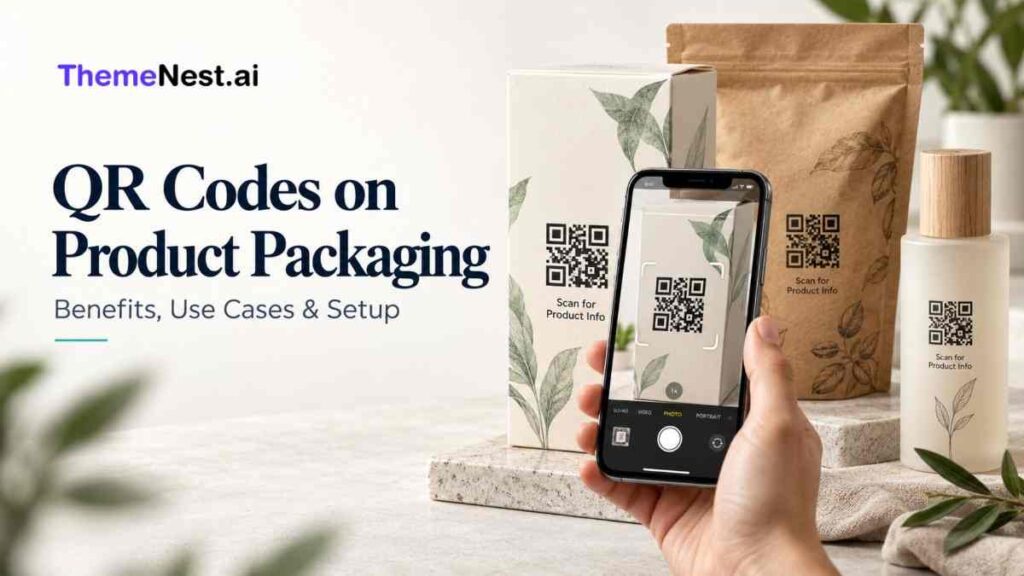
Share your ordering link through your website, social profiles, local campaigns, and opted-in communications. Where agreements permit, packaging QR codes can connect customers with your menu. ThemeNest’s guide to QR codes on product packaging explains relevant use cases.
Create useful service-area pages with actual delivery coverage, cuisine details, and ordering hours. Keep offers sustainable; repeated deep discounts can produce sales without building a profitable customer base.
What Should You Measure After Launch?
Review checkout completion, average order value, repeat purchase rate, cancellations, refunds, and contribution per order. Track preparation and delivery times separately so you can identify where delays begin.
Compare first orders with repeat orders. A campaign may attract customers at a loss initially, but you need evidence that later purchases justify that expense. Review results by delivery zone because longer journeys can change the economics.
App downloads provide context, but completed, profitable orders offer a better view of business performance. Use a weekly review to improve one recurring problem before adding new features or expanding your coverage further as customer ordering patterns develop.
Can ThemeNest Help You Launch a Food Ordering Platform?
ThemeNest’s FoodXpress food ordering solution is designed for restaurants, cloud kitchens, and food delivery businesses. Its listed capabilities include customer ordering, restaurant management, payments, and delivery tools, with availability depending on the package.
Evaluate it against your actual workflow. Ask for a demonstration covering menu updates, kitchen acceptance, payments, rider assignment, and refunds. Confirm which features, integrations, customization, and support are included in your scope.
To plan your next step, contact ThemeNest with your menu, locations, expected order volume, and delivery requirements. These details help define a practical launch scope.
Frequently Asked Questions
1.Can a cloud kitchen operate its own app alongside marketplaces?
Yes, subject to its marketplace agreements. Coordinate availability, preparation capacity, and order handling across channels so direct growth does not disrupt existing service.
2.Do customers need to download an app to order directly?
No. A mobile-friendly website can accept direct orders without an installation. A dedicated mobile app provides another route for customers who order frequently.
3.Will a cloud kitchen ordering app guarantee higher profits?
No. Results depend on customer demand, repeat purchases, delivery costs, acquisition spending, and operating expenses. Measure contribution per completed order alongside sales.
4.Can one ordering system manage multiple food brands?
Yes, if the platform supports separate brand menus and appropriate order routing. Verify shared ingredient availability, kitchen capacity, and branch-level controls before launch.
5.When should a cloud kitchen invest in a dedicated mobile app?
Consider an app when repeat demand is established and features such as saved preferences or convenient reordering solve a clear customer need. Start with measurable demand and expand around it.