




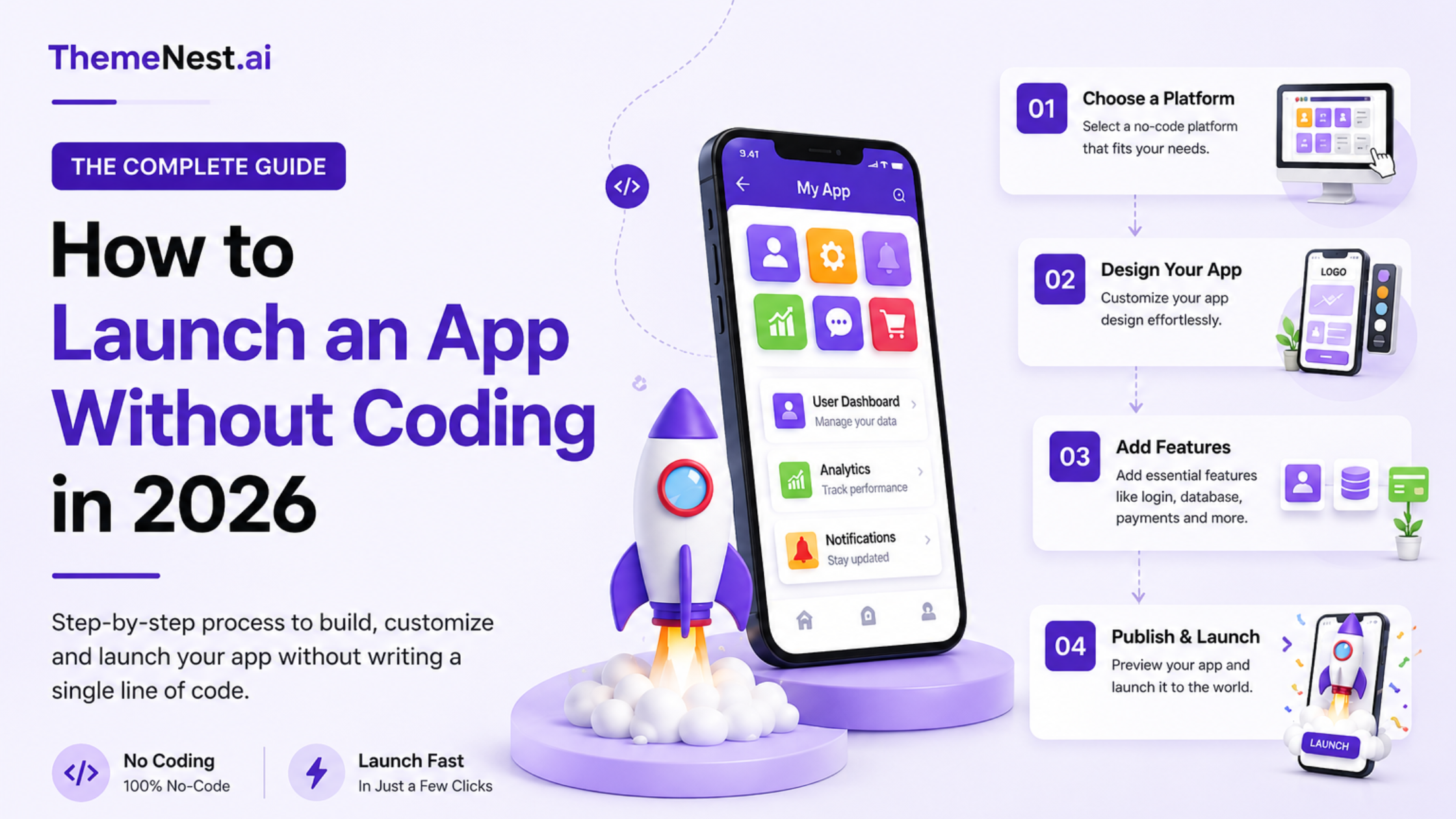
Can You Really Launch an App Without Coding in 2026?
Yes — and thousands of entrepreneurs are already doing it.
In 2026, launching a mobile app no longer requires a team of developers, a six-figure budget, or months of technical work. Thanks to no-code platforms, low-code tools, and ready-made app solutions, any entrepreneur with a clear business idea can go from concept to live app in a matter of weeks.
Whether you want to build a food delivery app, multi-vendor marketplace, healthcare booking platform, or service marketplace — this guide covers everything you need to know.
What Does “Launching an App Without Coding” Actually Mean?
Launching an app without coding means using pre-built software frameworks, visual builders, or customizable templates instead of writing code from scratch.
There are three main approaches:
1. No-Code App Builders
Drag-and-drop platforms that require zero programming knowledge. Best for simple business apps, booking tools, and internal workflows.
2. Low-Code Platforms
Require minimal technical knowledge and offer more flexibility. Ideal for enterprise workflows or apps with moderately complex logic.
3. Ready-Made App Solutions
Pre-built, fully functional apps that are white-labeled and customized with your branding, features, and business model. This is the fastest and most cost-effective route for most entrepreneurs in 2026.
Why Ready-Made App Solutions Are the Smartest Choice in 2026
1. Faster Time to Market
Custom development can take 6–12 months. Ready-made solutions can be live in 2–4 weeks, giving you a significant head start over competitors.
2. Dramatically Lower Costs
Traditional app development costs can range from ₹5 lakh to ₹50 lakh+. Ready-made solutions reduce this investment by up to 80%, making app entrepreneurship accessible at any scale.
3. Proven, Tested Business Models
These solutions are built around business models that already work — food delivery, ride-sharing, grocery apps, service marketplaces — reducing your risk significantly.
4. Easy Branding & Customization
Most platforms let you customize:
- App name and logo
- Color scheme and UI
- Payment gateways
- User roles and permissions
- Notification settings
This gives your app a unique identity without any custom development.
Popular App Ideas You Can Launch Without Coding
| App Type | Key Features | Market Opportunity |
| Food Delivery App | Online ordering, live tracking, restaurant panel | High — growing 15%+ annually |
| Grocery Delivery App | Product catalog, slot booking, order tracking | High — post-pandemic shift to online |
| Multi-Vendor Marketplace | Seller onboarding, product listings, commission system | Very high — Amazon-style model |
| Healthcare Booking App | Appointments, video consult, patient records | High — digital health boom |
| Service Marketplace | Booking, provider profiles, ratings & reviews | Medium-High — home services growing fast |
| Ride-Sharing App | Driver/rider panel, GPS tracking, fare calculation | Medium — niche opportunity in Tier 2 cities |
Step-by-Step: How to Launch Your App Without Coding
Step 1 — Identify a Real Market Problem
Every successful app solves a specific pain point. Ask:
- What frustrates your target customers today?
- What existing solution is slow, expensive, or inconvenient?
- How can a mobile app simplify their experience?
The more specific the problem, the stronger your value proposition.
Step 2 — Validate Demand Before You Invest
Never invest without confirming people actually want your solution.
Validation methods:
- Google Keyword Planner (search volume research)
- Reddit, Facebook Groups, Quora (community pain points)
- Competitor app reviews (what users complain about)
- Simple landing page with a waitlist
Validation saves time, money, and effort — and gives you early traction data.
Step 3 — Choose the Right App Solution
Evaluate platforms based on:
- Budget — monthly subscription vs. one-time license
- Scalability — can it grow with your business?
- Industry fit — is it designed for your niche?
- Support & maintenance — who handles updates and bugs?
For most entrepreneurs, a ready-made white-label app offers the best ROI.
Step 4 — Customize Your Brand Identity
Your app’s visual identity builds trust and recognition. Focus on:
- Professional logo design
- Consistent color palette (2–3 brand colors)
- Custom splash screen and onboarding flow
- App store screenshots and descriptions
A well-branded app looks credible from day one — even without custom development.
Step 5 — Configure Core Features Only
Resist the temptation to build every feature at launch. Focus on:
Must-Have Features (MVP):
- User registration and login
- Core service flow (order / book / browse)
- Secure payment integration
- Push notifications
- Reviews and ratings
Add Later:
- Loyalty programs
- AI recommendations
- Advanced analytics
- Multi-language support
A lean MVP launches faster and teaches you what users actually need.
Step 6 — Test Thoroughly Before Going Live
Test across multiple devices, operating systems, and scenarios:
- User registration and login flows
- Payment processing (successful and failed transactions)
- Notification delivery
- App performance under load
- Edge cases (poor network, empty states)
Fixing bugs before launch protects your brand reputation.
Step 7 — Publish on App Stores
Submit your app to:
- Google Play Store — Android users (dominant in India and most of Asia)
- Apple App Store — iOS users
- Web platform — broader accessibility via browser
App Store Optimization (ASO) Tips:
- Include your primary keyword in the app title
- Write a clear, benefit-focused description (first 3 lines are critical)
- Use high-quality screenshots showing core features
- Encourage early users to leave reviews
How Much Does It Cost to Launch an App Without Coding?
| Solution Type | Estimated Cost | Time to Launch |
| No-Code Builder (e.g., Bubble, Glide) | ₹1,500–₹8,000/month | 2–8 weeks |
| Ready-Made White-Label App | ₹50,000–₹3,00,000 (one-time) | 1–3 weeks |
| Custom Development | ₹5,00,000–₹50,00,000+ | 6–18 months |
5 Best Practices for App Success in 2026
1. Prioritize User Experience Over Features
Users abandon apps that are confusing or slow. Keep navigation simple, load times fast, and the core journey frictionless.
2. Leverage AI-Powered Features
Modern users expect intelligence in their apps. Consider:
- Personalized product/service recommendations
- AI-powered search
- Automated customer support (chatbots)
- Predictive reorder reminders
3. Build for Mobile-First Performance
Over 70% of app usage happens on mobile. Optimize images, minimize API calls, and ensure your app performs well on mid-range Android devices.
4. Make Data-Driven Decisions
Set up analytics from day one (Google Analytics for Firebase, Mixpanel). Track:
- User retention rates
- Drop-off points in the user journey
- Most-used features
- Revenue per user
5. Market Consistently from Pre-Launch
Start building an audience before your app is live:
- Launch a waitlist landing page
- Post behind-the-scenes content on Instagram and LinkedIn
- Run targeted social media ads
- Partner with local influencers in your niche
Common Mistakes Entrepreneurs Make When Launching Apps
1. Over-Engineering Before Launch
Building 40 features before getting a single user is one of the most common — and costly — mistakes. Launch lean. Iterate fast.
2. Skipping Market Validation
Assuming people need your app without confirming it is a recipe for failure. Talk to potential customers before investing.
3. Ignoring Post-Launch Marketing
Your app will not be discovered organically on day one. Invest in:
- SEO and content marketing (like this article)
- Paid social media advertising
- WhatsApp and email marketing
- Local partnerships and referrals
4. Choosing a Platform That Cannot Scale
A solution that works for 100 users may break at 10,000. Ask vendors about server infrastructure, concurrent user limits, and upgrade paths.
The Future of No-Code and App Entrepreneurship
By 2027, the global no-code/low-code platform market is projected to exceed $45 billion. The direction is clear:
- AI will automate more of the build process — describe your app idea and AI will configure it
- Faster iteration cycles — what takes weeks today will take hours
- More sophisticated ready-made solutions — industry-specific apps with built-in compliance, AI, and integrations
- Greater accessibility — entrepreneurs in Tier 2 and Tier 3 cities will be able to compete with funded startups
The competitive advantage no longer belongs to those with the biggest development team. It belongs to those who move fastest and serve customers best.
Conclusion
Launching an app without coding has never been easier. With modern no-code tools and ready-made app solutions, entrepreneurs can turn their ideas into reality faster, at a lower cost, and without technical expertise.
Whether you’re building a food delivery app, marketplace, or service platform, the key is to validate your idea, focus on user needs, and launch quickly. Platforms like ThemeNest make it easier to get started with customizable, ready-to-launch solutions that help businesses go to market faster and grow with confidence.
Frequently Asked Questions (FAQs)
1. Can I launch a professional app without any technical knowledge?
Yes. Ready-made and no-code solutions are specifically designed for non-technical entrepreneurs. Most providers offer setup support and onboarding.
2. How long does it take to launch an app without coding?
With a ready-made solution, most entrepreneurs launch within 1–3 weeks. No-code builders may take 2–6 weeks depending on complexity.
3. Is it possible to scale a no-code or ready-made app as my business grows?
Yes, many modern ready-made solutions are built on scalable infrastructure and can handle thousands of users. Always confirm scalability with your vendor before purchasing.
4. Do I need a developer to maintain my app after launch?
For ready-made solutions, the provider typically handles updates, bug fixes, and server maintenance. For no-code platforms, you manage updates yourself through the platform interface.
5. What is the difference between a no-code app and a ready-made app?
A no-code app is built by you using drag-and-drop tools. A ready-made app is a pre-built product that is configured and branded for your business — typically faster and more feature-rich out of the box.